Map
See records with an address, such as building sites or properties, on a map, and set each record's point from its form.
The Map shows all records that have a point on a map, e.g. a construction company's building sites or the properties you manage. It's in the left menu of every company and shows the objects that have fields set for the latitude and longitude.
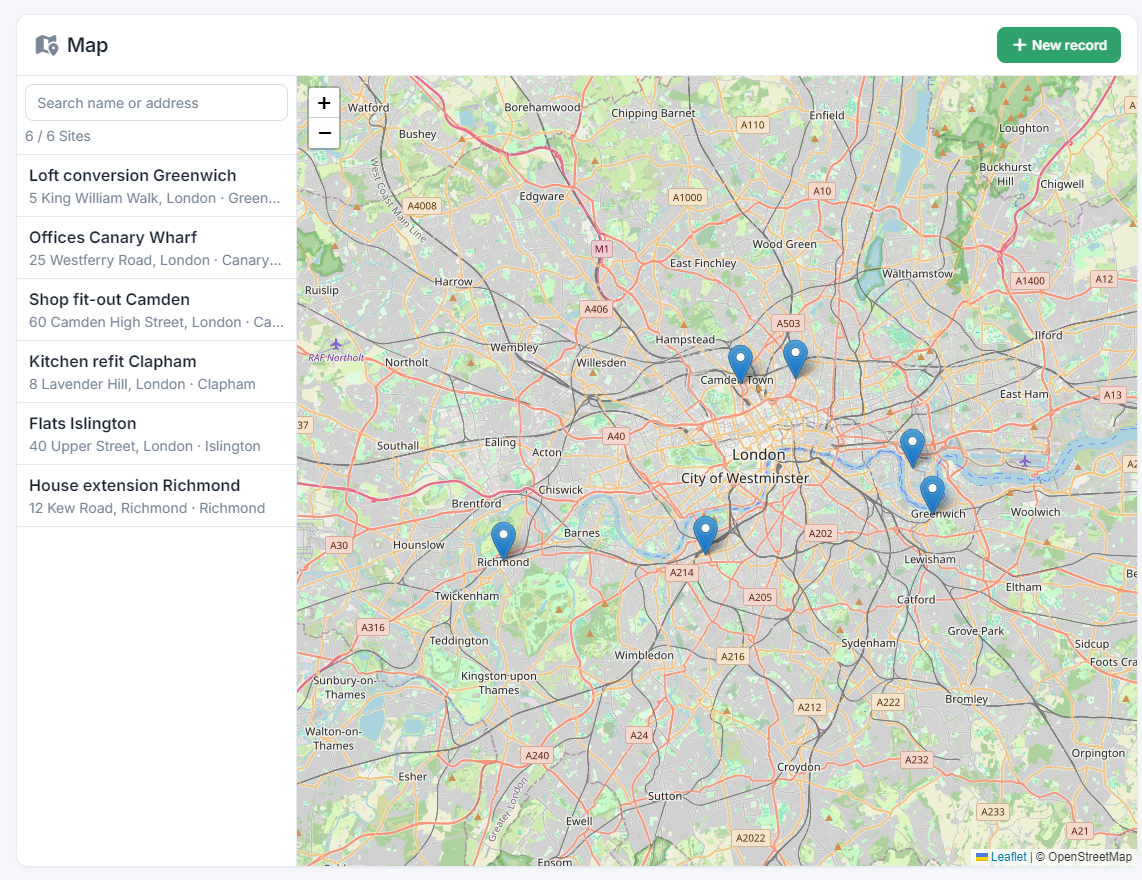
A point on the map
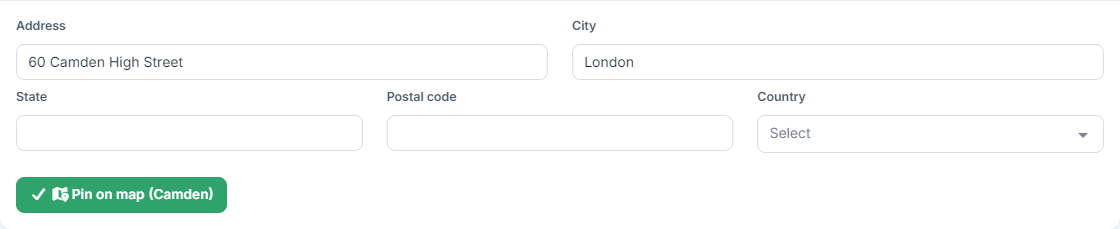
A record appears on the map once it has a point. In the record's form, fill in the Address and City and press Pin on map.
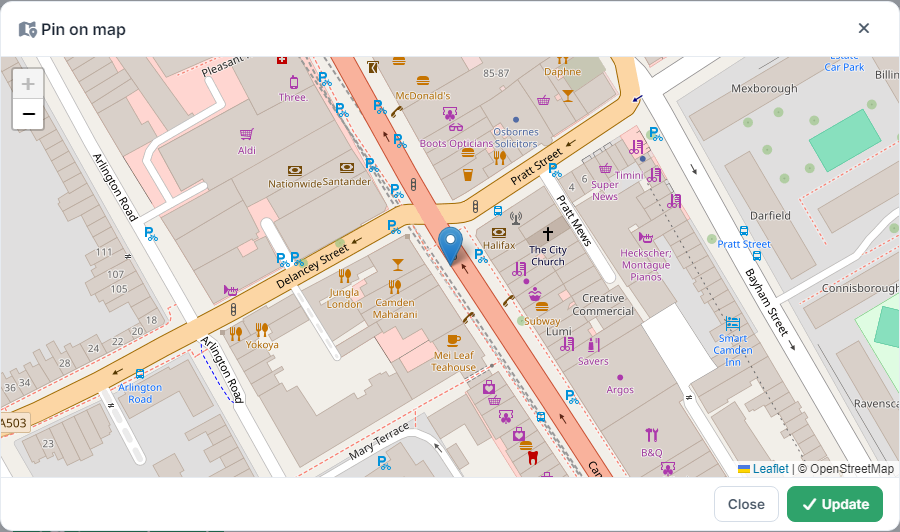
The app finds the address and opens the map with a pin. If it isn't exactly in the right place, drag the pin or click on the map, then press Update. The postal code and the area are filled in from the address found.
Save the record. The button turns green with a ✓ when the record has a point, and yellow with a ✗ when it doesn't.
The Map page
- On the left is the list of records with a point, with their name and address. Click a record and the map moves to its point.
- In Search name or address type e.g. a city: the list and the pins narrow to the ones that match. Below you see how many were found out of the total.
- Click a pin to see the name and address. The name is a link that opens the record.
- If more than one object has points, there's a button for each at the top right, with its number of points. The app remembers which one you saw last.
- New record opens the form for a new record of the object you're viewing. It only appears if your profile lets you create records in it.
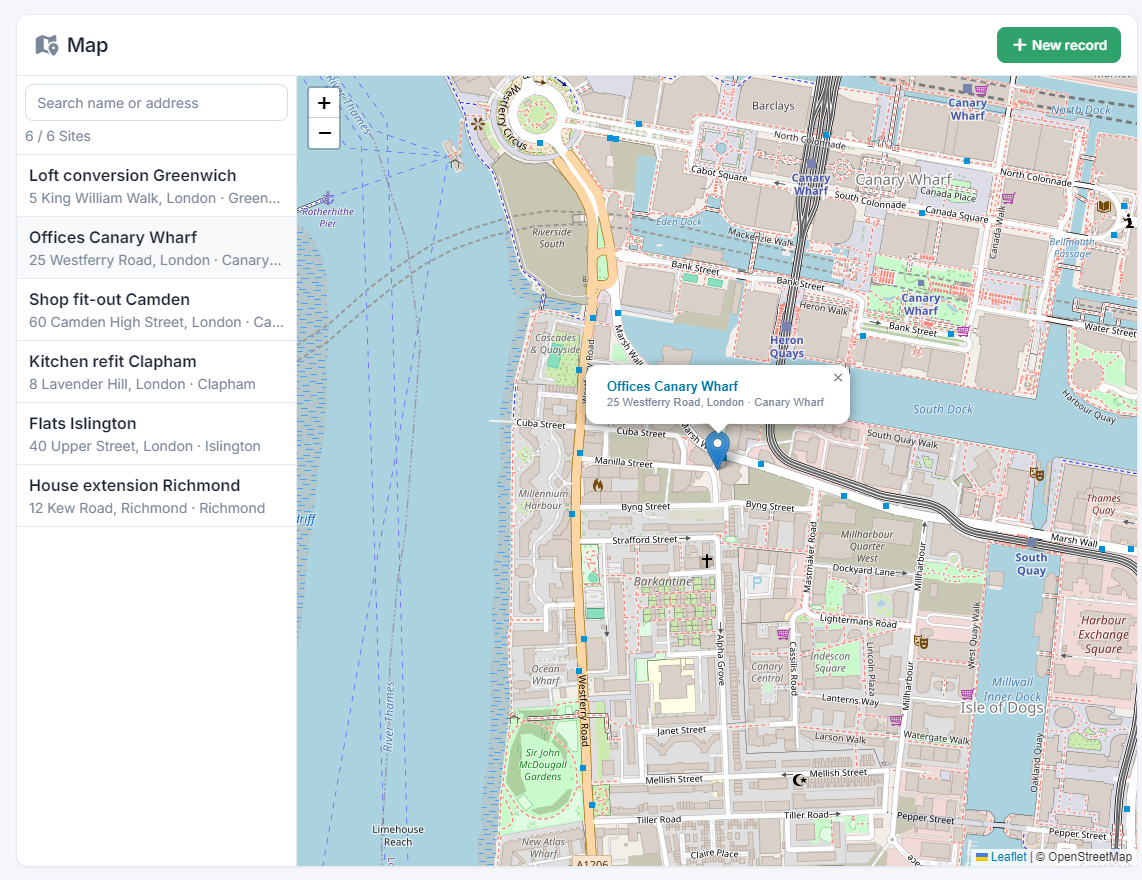
Which objects show
The map shows every object that has its latitude and longitude fields chosen, under Settings → Objects & fields → the object → General → Map. In the company types that work with addresses (construction, technical service, solar, building management, real estate and short-term rental) they're already set on the objects with an address. On any other object you set them yourself. See the guide What Objects are.
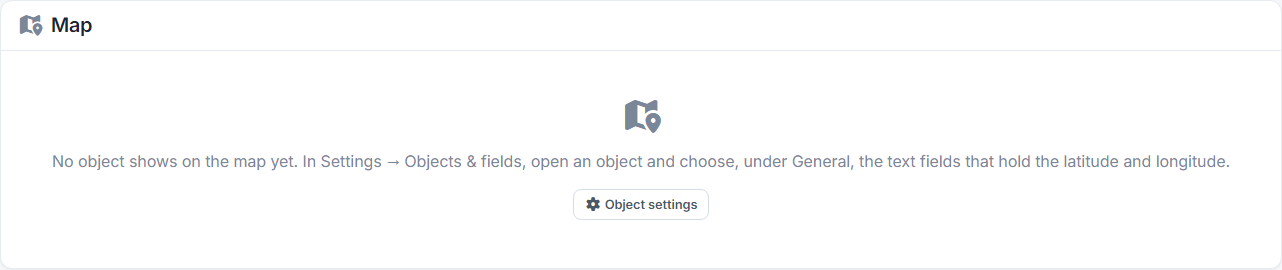
If no object has map fields yet, the page says so and takes you to the object settings:
Permissions
The map only shows the objects your profile is allowed to see, and of those only the records you also see in their list. If your profile can't see any of the map's objects, the page tells you so: ask the company administrator to add it to your profile. See the guide User profiles.
Each object shows up to 5,000 points, the most recent ones.